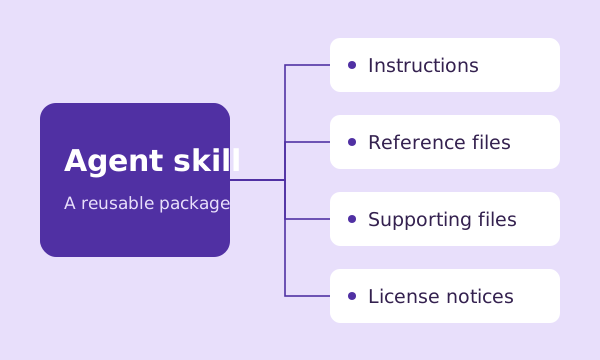
A useful skill makes its scope and requirements clear. Read the complete instructions and inspect its supporting files before adding it to an agent workspace.
Check the creator and purpose
Look for a clear author credit and an original project. Read the description and instructions to understand the intended task. A GitHub star count describes repository attention; it is not proof that a particular skill is correct, secure or suitable for your project.
Check platform and tool requirements
Confirm that your agent can discover the package format. Instructions may refer to tools, command-line programs or external services you have not installed. An installer can place the skill files correctly without satisfying those dependencies.
Inspect every bundled file
Read supporting references and review any executable scripts before running them. Treat instructions from a downloaded package as third-party content. Give your agent only the permissions the task needs, and keep credentials out of shared instructions.
Understand the license
The resource’s displayed license and bundled notices describe its terms. Installing a package does not remove its attribution or redistribution requirements. Check the original project if the terms or the package’s provenance are unclear.
Test it on a small task
Use a separate project or disposable workspace first. Define what a successful result should look like and inspect the output. On Dave AI, choose a compatible agent and shell to copy an install command, or download the complete ZIP and install the files manually.